Showing posts with label Saturday Apps. Show all posts

Saturday, July 1, 2017

Saturday Apps #14

Apps make the world go round....well not quite, but they do make our mobile devices go.  I stumble upon apps, I find apps on Pinterest and Facebook and seek out apps on AppsGoneFree. 

Today I'd like to feature 


You Doodle

I recently worked on a project and was in need of some kind of paint and photoshop app.  So I surfed online and chose this one from a list of the 10 best.  I downloaded the free version and quickly played around with it to figure out how it works.  I soon discovered there were a few features that were only available by upgrading to the pro version.  Since most of my project was saved with this app, I didn't want to start over with another app so I shelled out $4.99 and upgraded.  I'm glad I did!  I absolutely love playing around with this program.  


My favorite things about this app are: the variety of backgrounds, the insert ability (photos and clipart) and the smudge tool!
The only thing I dislike and hope they add is a way to move around clipart, text, etc. after you've added it.  Currently you have to save it and once it's saved, it can't be changed.

Here are 3 slides I made recently as part of a contest to win a class set of laptops:


I can envision using this app in my classroom on our iPads and hopefully touch screen laptops I entered the contest for.  I used to do digital projects with students in our computer lab (using KidPix) but there's just not time anymore to "go down to the computer lab". . .the technology has to be IN the classroom and integrated into small learning groups.

I found this meme while surfing too, this kid is a classic so you might have seen him touting many things!


Have a fantastic weekend!


Saturday, July 30, 2016

Saturday Apps #13

Apps make the world go round....well not quite, but they do make our mobile devices go.  I stumble upon apps, I find apps on Pinterest and Facebook and seek out apps on AppsGoneFree. 

Today I'd like to feature 

This app is FREE from iTunes.  I love music and stream Pandora in my classroom both when students are present (especially during Writing...the George Winston station is fantastic) and when they're not (during my preps and after school when I need to chill out (turn out the lights and put on Relaxation Radio).  Pandora is great. . .but there are commercials and it's especially annoying during quiet work time when a loud one comes on.  

But now I will use this app!  I love this app for 3 reasons:  1) You can turn the volume each individual melody/sound up or down, 2) There are no commercials and 3) It's FREE!   

I will also put this on when falling asleep or when trying to get rid of a headache.

Enjoy!


Saturday, May 28, 2016

Saturday Apps #12: TinyPDF

Apps make the world go round....well not quite, but they do make our mobile devices go.  I stumble upon apps, I find apps on Pinterest and Facebook and seek out apps on AppsGoneFree. 

Today I'd like to feature TinyPDF by Appxy and how I use it for Readers' Theater and how it can be used for close reading.


I use this app at home with daughter because she loves to read plays but doesn't like to read otherwise.  I didn't want to have to print out and highlight scripts so I found that this app totally solves that problem!  I plan to use my classroom iPads (5) for this next year, after playing with it and getting used to it.

The first thing you need is a script to work with.  Whether you write your own, find them or purchase them (try this FREEBIE), you need to have it on the iPad you wish to use.   You can e-mail it to yourself or use


(which I recommend since I use my laptop and iPads a lot, interchangeably).

Here's how I use it


Saturday, August 1, 2015

Saturday Apps #11: PhotoCollage and a TPT SALE!

I know it's Sunday and it's been awhile but. . . . 

Apps make the world go round....well not quite, but they do make our mobile devices go.  I stumble upon apps, I find apps on Pinterest and Facebook and seek out apps on AppsGoneFree. 

Today I'd like to feature PhotoCollage Maker by Kai Xia.
This is a free app, available in the iTunes store and I use it ALL THE TIME lately mainly so I can quickly and easily show many pics of my kids to their grandmas and other family members on Facebook.  This is one I whipped up the other night when my daughter and I took a drive and had a little adventure.
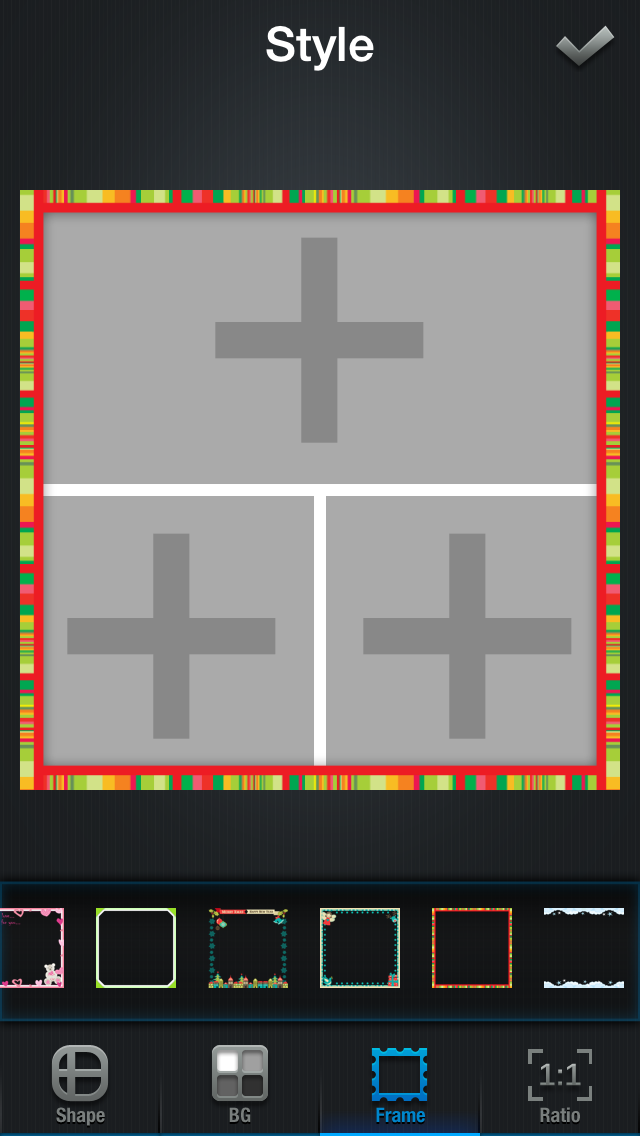
What's so great: you can put multiple pics together, add text (whatever font, size, color, placement) and add borders.  Here are the specifics:


And the BEST part is that, since they can be saved to your picture roll, you can print them!  I printed a few to Walgreens the other night to see what they would look like.  My choices were either 4x4" or 8x8" and I went with the smaller size. They are so cute!  
I had this thingamajiggy from the Target dollar bins laying around and finally found a use for it!
So how does this relate to teaching?  My first thought is that I'm going to go through all of my teaching pins on Pinterest and make collages of things I definitely want to do this year.  I love to pin things on Pinterest but I hardly ever go back and look at my pins to remind me what I wanted to do so I'm going to put them in a little photo album and keep it open on my desk to keep me on track!  

Another idea I had was to suggest this app to parents and, for a special writing assignment, have kids create their own little collage to serve as a writing prompt.  The photo print can be attached to their writing and proudly displayed in the hallway.  A perfect, poignant, book to serve as the inspiration is
It's a book about having a special, treasured object that brings back memories. Kids can make a mini photo collage with pictures of their treasured object and then write about it.  I did this a few years ago, minus the app and photos, and it was such a sweet, touching way to motivate kids to write and share more about them with our classroom community.

This Monday, August 3rd and 4th, my entire TPT store will be on sale during the site-wide Back-To-School SALE.
Happy August!

Saturday, August 9, 2014

Saturday Apps #9

Apps make the world go round....well not quite, but they do make our mobile devices go.  I stumble upon apps, I find apps on Pinterest and Facebook and seek out apps on AppsGoneFree. 

So I was at Target this week and saw some cute drawers for my classroom and took a picture of them with my phone.  But, knowing how bad my memory can be, I wondered "Is there an app that lets you write on pictures so I won't forget later?"  I stopped my cart and looked through the app store and found just what I needed: Phonto!
This app is available for both the iPad and the iPhone and is FREE.  

Here's how it works:
Start with a blank canvas and a photo.

Add a filter if you want.
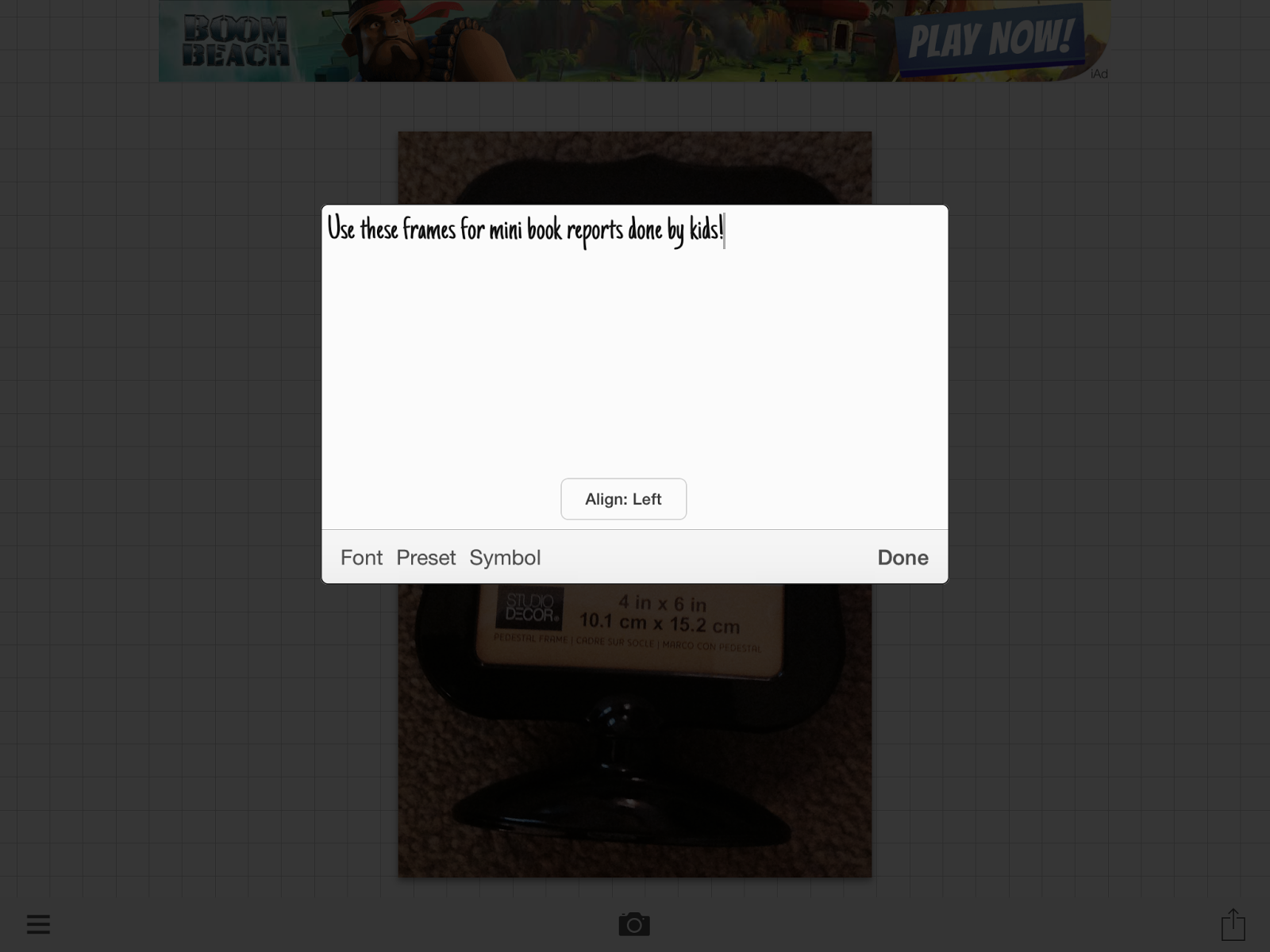
Click on the 'Add Text' button to do so.

Choose the font you want and center it.
Make your text the size and color you want and place it wherever you want on your photo.
Voila!
In addition to tagging pictures for later, here's how else it could be used:

-You can (cutely) post pics to Facebook, Instagram, etc.

-Students could take pictures of classroom work, happenings, etc. and type the caption.  These pictures can be used on your classroom blog, your classroom newsletter, e-mailed to parents, playing in a slideshow out in the hallway at Parent-Teacher Conferences.

-You can take photos all year long of what you are doing in the classroom with students to provide evidence to your principal for the purpose of teacher evaluation (i.e. The Danielson Framework which our district has adopted).

I would LOVE to hear your ideas for using this app if you try it out.  
It's FREE and FUN!


Saturday, May 31, 2014

Saturday Apps #8


Apps make the world go round....well not quite, but they do make our mobile devices go.  I stumble upon apps, I find apps on Pinterest and Facebook and seek out apps on AppsGoneFree. 

This week I'm sharing: Book Retriever, which is available for both the iPad and the iPhone.
This app is .99 and serves 2 main purposes:  To help you catalog your classroom  library AND allow students to check out classroom library books by scanning bar codes and keeping track of it all.  The later is the reason I'm excited about it.

Our PTA bought us a set of small, color books to use for our homework program.  To keep track of who has what book and if any are missing were my concerns and needs.  

This is the home screen and shows all the available features.

* Add books: you can either scan the bar code (ISBN number) or enter a book manually.  Often the app doesn't have a book's information on record, so then you have to manually enter it.
This is the manual entry screen.  Not sure what every field means (different levels).
* My Classroom Library:  This shows all of the books in your collection.
It will even show you if a book is checked out, by whom and the expected return date.
Checking out books is made easy by scanning the bar code of a book, but you have to go in and set up your class.  I envision training my kids how to check out and check in books so it can be an independent part of our 'Morning Work' routine.

The only thing I DON'T like about this app is that, once you have scanned a barcode to enter a book and the app recognizes the book and enters its information, you CAN'T edit it.  The only reason I would want to edit is to change the (DRA) level of the book because I didn't agree with what was recommended.  

After entering all of my books into this app, my next step is to make a small, elevated iPad holder so kids can easily check out and check in books by scanning them. 

Go check it out and I hope you enjoy it as much as I am!


Saturday, August 17, 2013

Saturday Apps #7


Apps make the world go round....well not quite, but they do make our mobile devices go.  I stumble upon apps, I find apps on Pinterest and Facebook and seek out FREE apps on AppsGoneFree. 

I'll share an app or two with you and include pictures or even a video.  I would love it if you would either:  share an app with us  or try out the app I've recommended and let us know what you think.  

If you share, please tell us:
* the name
* the price
* what devices it works on (iPod, iPhone, iPad, etc.)
* how you use it
* why it's worth downloading

This week I'm sharing: TypeDrawing
I found this app thanks to AppsGoneFree and it's been free since Tuesday August 13th.  It's normally $1.99 (which I wouldn't have paid for) but since it was free...  This app is meant for your iPhone but can be used on the iPad if you tap on the 2x button to zoom in. 

In a nutshell, this is a concrete poetry creator.  Concrete poetry is when you use words to draw pictures.  

First you type in your word or words, then you can change the font and color and finally you draw on your blank canvas and watch your words come to life.  You can change words (fonts, colors) whenever you want and you can change the entire background color as well.  Plus, you can insert an image and draw on it!
This GoRgEoUs view is only 3 minutes from our house!


Obviously this app is a fantastic tool for kids to be introduced to and write their own concrete poetry.  But I could also see this being used to practice spelling or vocabulary words.  I have to say that this simple app is very fun and kind of addictive!